Description
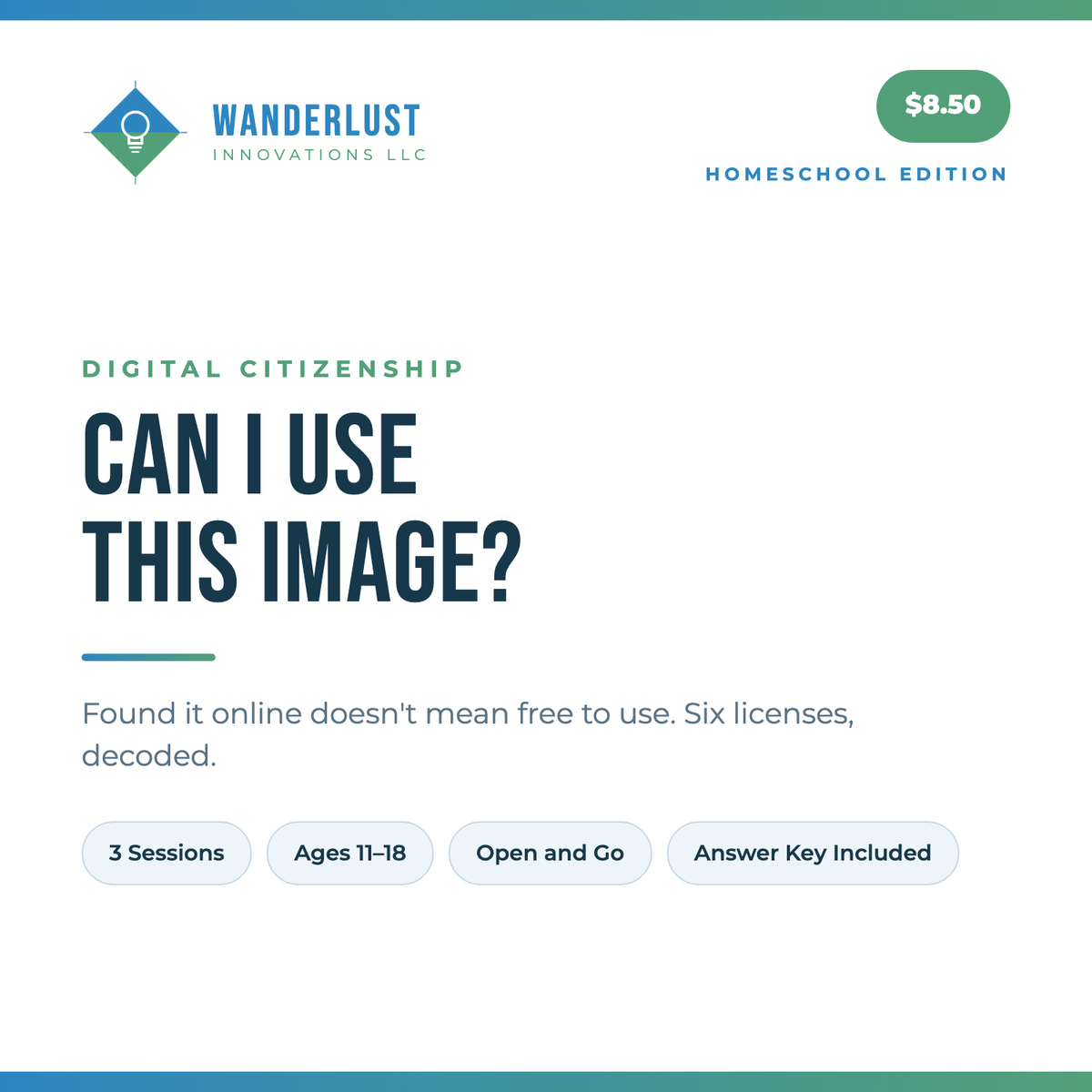
Three sessions on the question your student faces every time they make anything.
Found it online does not mean free to use. Everything is copyrighted by default the moment it is created — no notice, no registration required — which reverses most people's assumption about material they find on the internet.
Your student decodes the six Creative Commons licenses, then writes credit lines that actually satisfy each one, for images, music and video. A credit either meets the license or it does not, so this marks cleanly.
Worth doing before the next slideshow rather than after it.
WHAT'S INCLUDED
•Parent Guide with session pacing
•Reading 1: what copyright covers by default
•Reading 2: the six Creative Commons licenses
•Reading 3: crediting a work properly
•A license decoder
•Fix the Credit — rewrite credit lines to meet each license
•A “Can I use it?” flowchart
•Answer key showing what each license requires
•Hours & Work Record for logging time and filing portfolio evidence
Written by a school media specialist with an M.S. in Instructional Technology. Built to be taught by a parent with no background in the subject.
You might also like
30 Scam & Media Literacy Warm-Ups | Homeschool Edition
Ages 13–18·Digital Life & Media Literacy
Faith-neutralNot yet rated
$6.50
The Recovery Call | Anatomy of a Scam | Homeschool Edition
Ages 13–18·Digital Life & Media Literacy
Faith-neutralNot yet rated
$8.50
The Investment | Anatomy of a Scam | Homeschool Edition
Ages 13–18·Digital Life & Media Literacy
Faith-neutralNot yet rated
$8.50
The Online Friend | Anatomy of a Scam | Homeschool Edition
Ages 13–18·Digital Life & Media Literacy
Faith-neutralNot yet rated
$8.50
WorldviewFaith-neutral
AgesAges 11–18
SubjectDigital Life & Media Literacy
Resource typeUnit study
ApproachUnit study, Eclectic
Works forOne student, Co-op / group
Per session30–60 min
Days a weekFlexible
Total lengthOne week
Parent prepOpen-and-go
Who teachesParent-guided
ReuseReusable, some consumable pages
FormatPrintable PDF
RecordsIncludes assessments, Hour logging, Portfolio samples
Keywordsdigital life & media literacy, digital citizenship, unit study, middle school, homeschool digital life & media literacy, image